Image Enlarger
Free, fast, and easy to use.
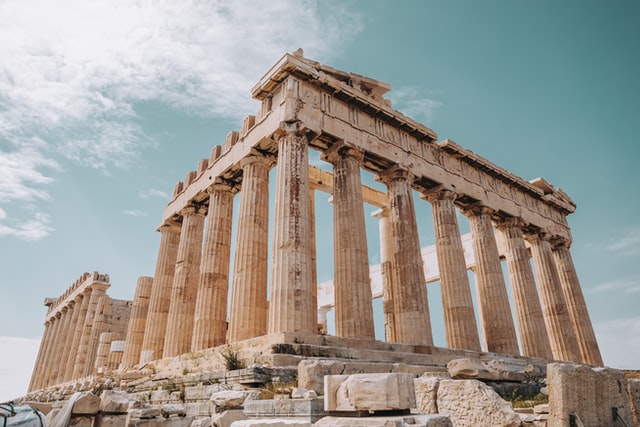
The Image Enlarger increases an image's dimensions while smoothing the upscaling process, useful for preparing a smaller source image for a larger display context, though it can't add genuine detail that wasn't in the original.
How to Use
- Upload your image
- Choose your target size
- Download the enlarged result
Frequently Asked Questions
What image formats does the Image Enlarger support?
Common formats including JPG, PNG, WebP and GIF are supported. Upload your file and the tool will handle the format automatically.
Is there a limit on image size?
There is a reasonable per-file size limit to keep processing fast; extremely large images may need to be compressed first.
Is my image uploaded to a permanent server?
Images are processed for your edit and are not intended for long-term storage — download your result after processing.
